AccessEd
AccessEd
AccessEd
AccessEd
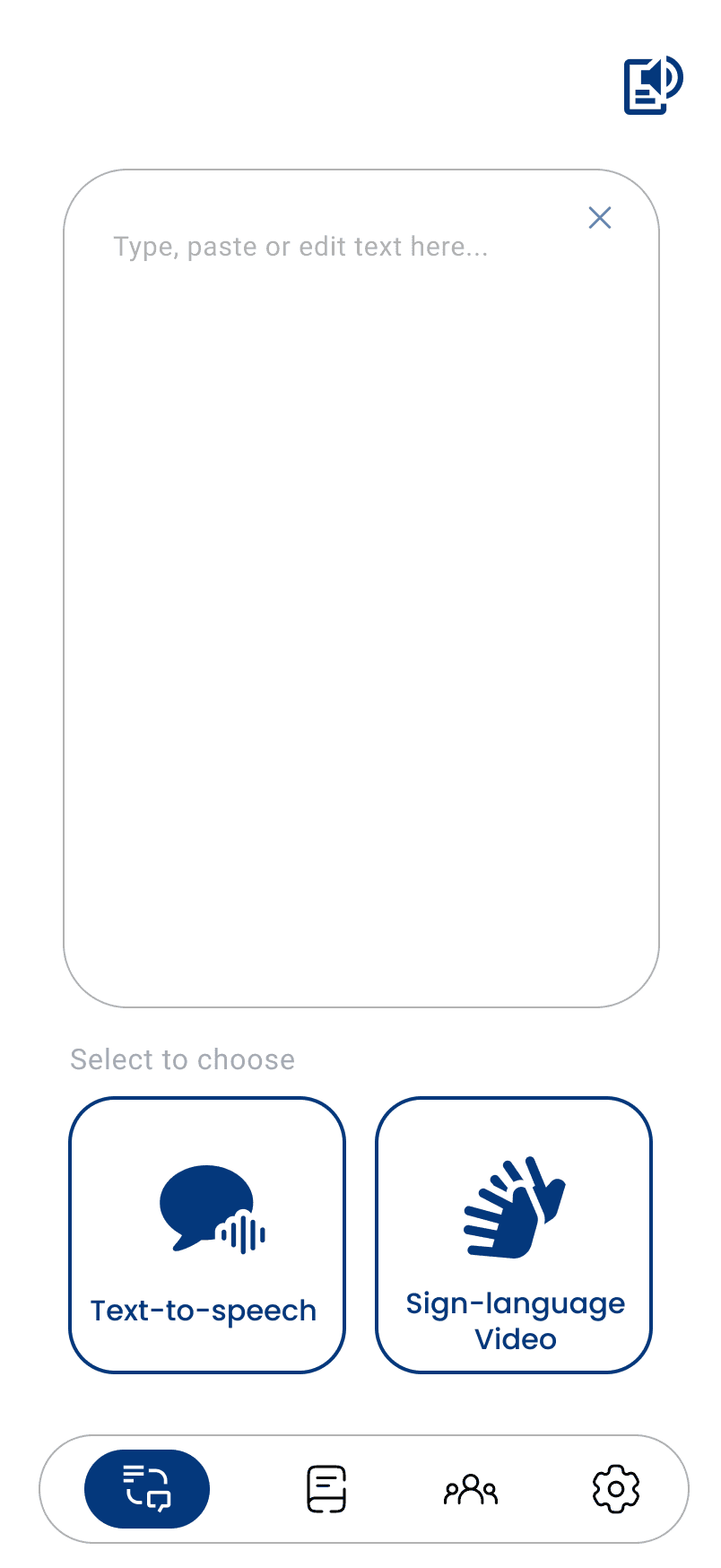
Making information accessible and opportunities easier to reach, AccessEd helps users with visual and auditory impairments learn, connect, and grow equally.
Education Without Barriers
AccessEd
Context
In an increasingly mobile-first world, the internet has become the primary utility for education, communication, and daily life. However, this shift has also created a digital divide. While smartphones offer immense potential for connectivity, the current landscape of web design and app development often overlooks the needs of users with sensory impairments and the nuances of the aging population.
Research
Over 1.3 billion people globally live with disabilities, while aging populations continue to increase.(WHO, 2023). We also observed that vision-related accessibility needs are common, even among youth, ranging from small, unreadable text to poorly integrated screen reader support. These insights made it clear that accessibility isn’t just a feature, it's a foundation.
01
Reality
People living with a disability
1.3B
people globally
Source: WHO, 2023
People aged 60 or older
1 in 6
By 2030
Aged 60+
Under 60
Source: WHO, 2025
02
Defining the Landscape
Accessibility is frequently treated as a secondary "feature", rather than a foundational requirement. This "add-on" approach results in:
Overwhelming Interfaces
Many learning apps contain cluttered layouts and complex navigation.
Limited Accessibility Support
Screen readers, text scaling, and sign language accessibility are often poorly implemented.
Lack of Inclusive Opportunities
Users might face difficulty accessing communities, mentorships, and career resources online.
Iteration
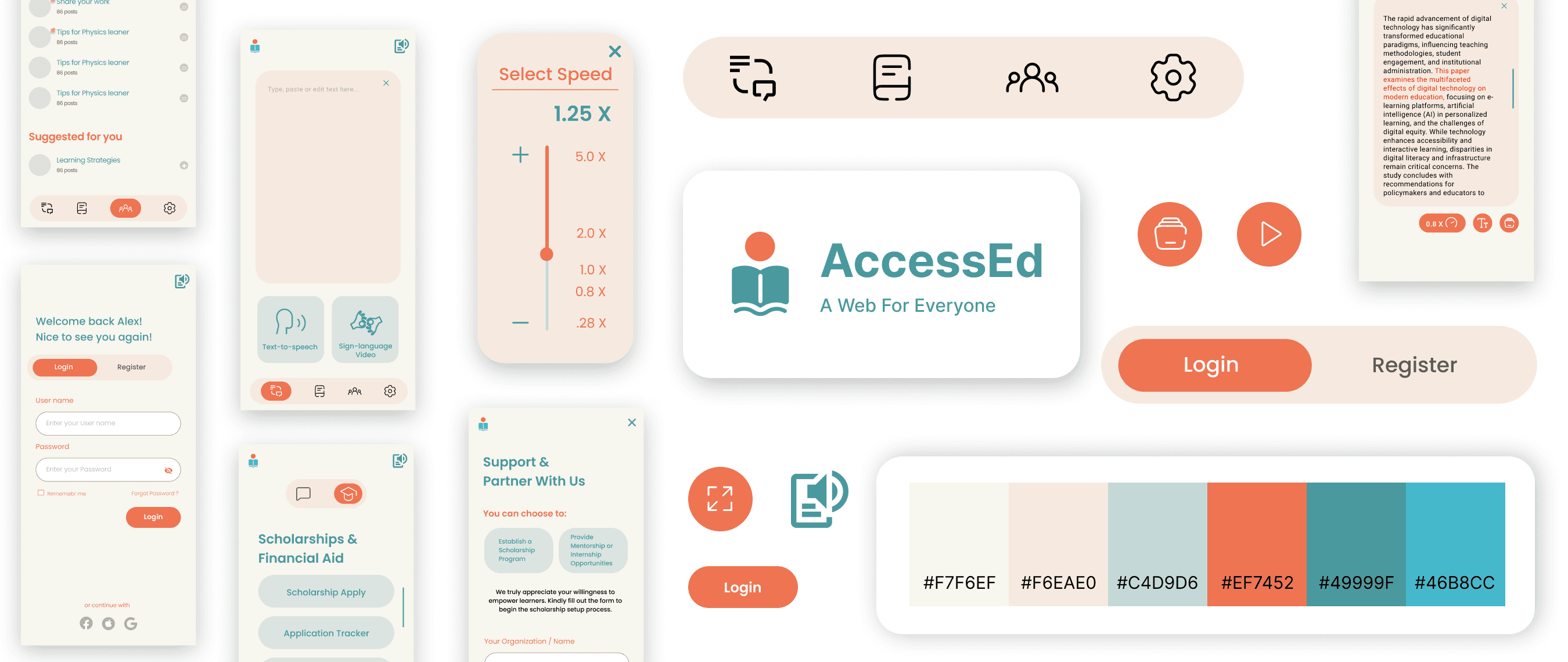
Before: orange and green color palette
Iterations
After: navy blue and white
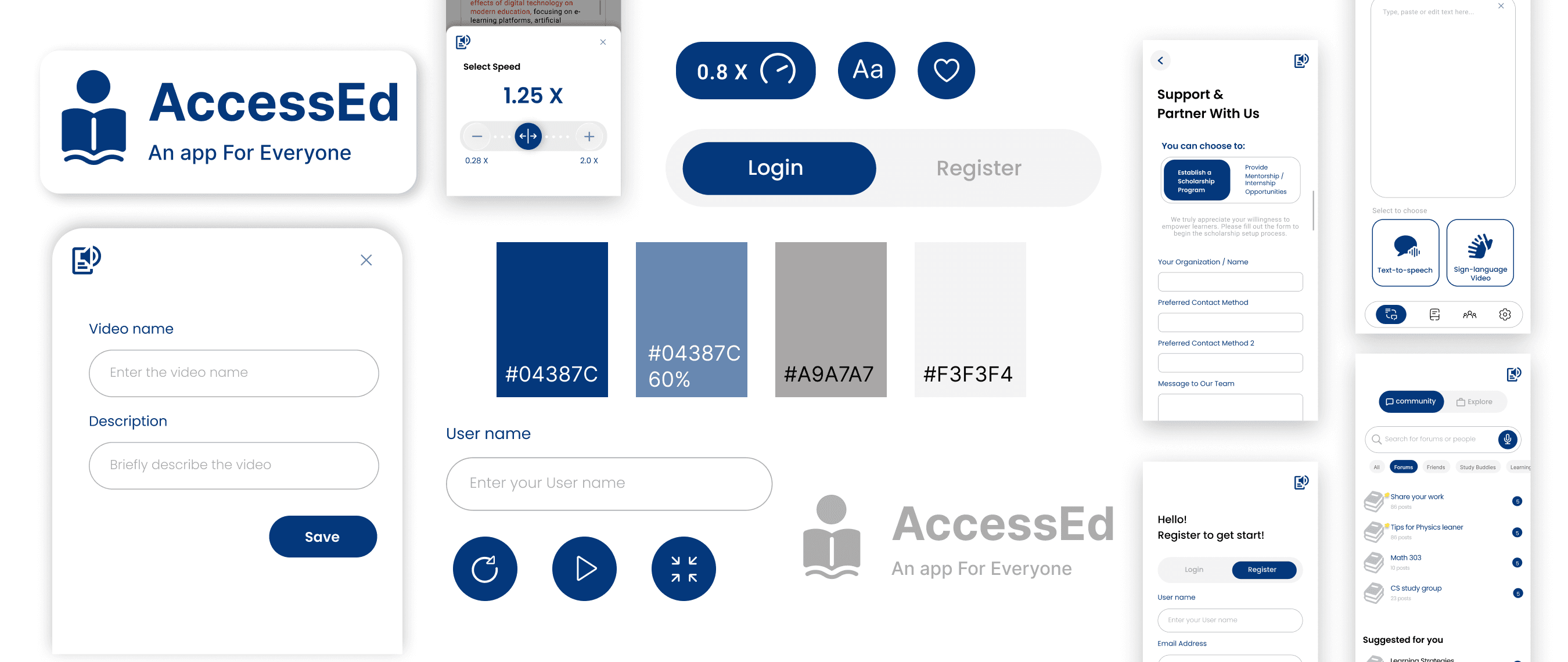
To improve accessibility and usability, the original orange and green color palette was redesigned into a navy blue and white interface with higher contrast. This change improves readability and better supports users with red-green color blindness.
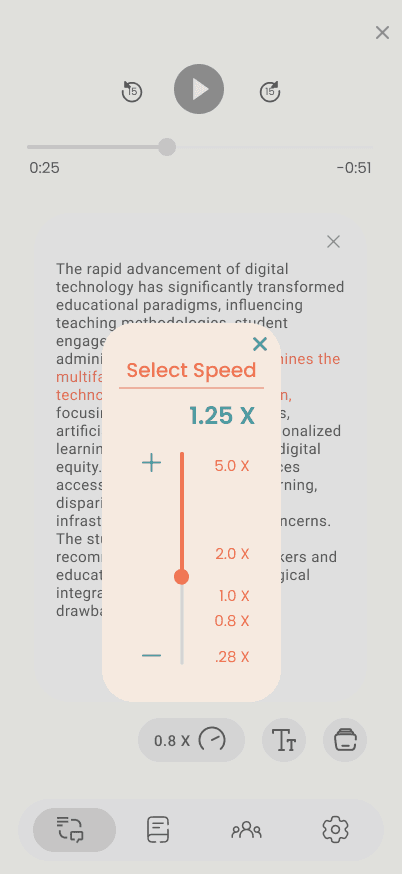
Before:

Iterations
After:
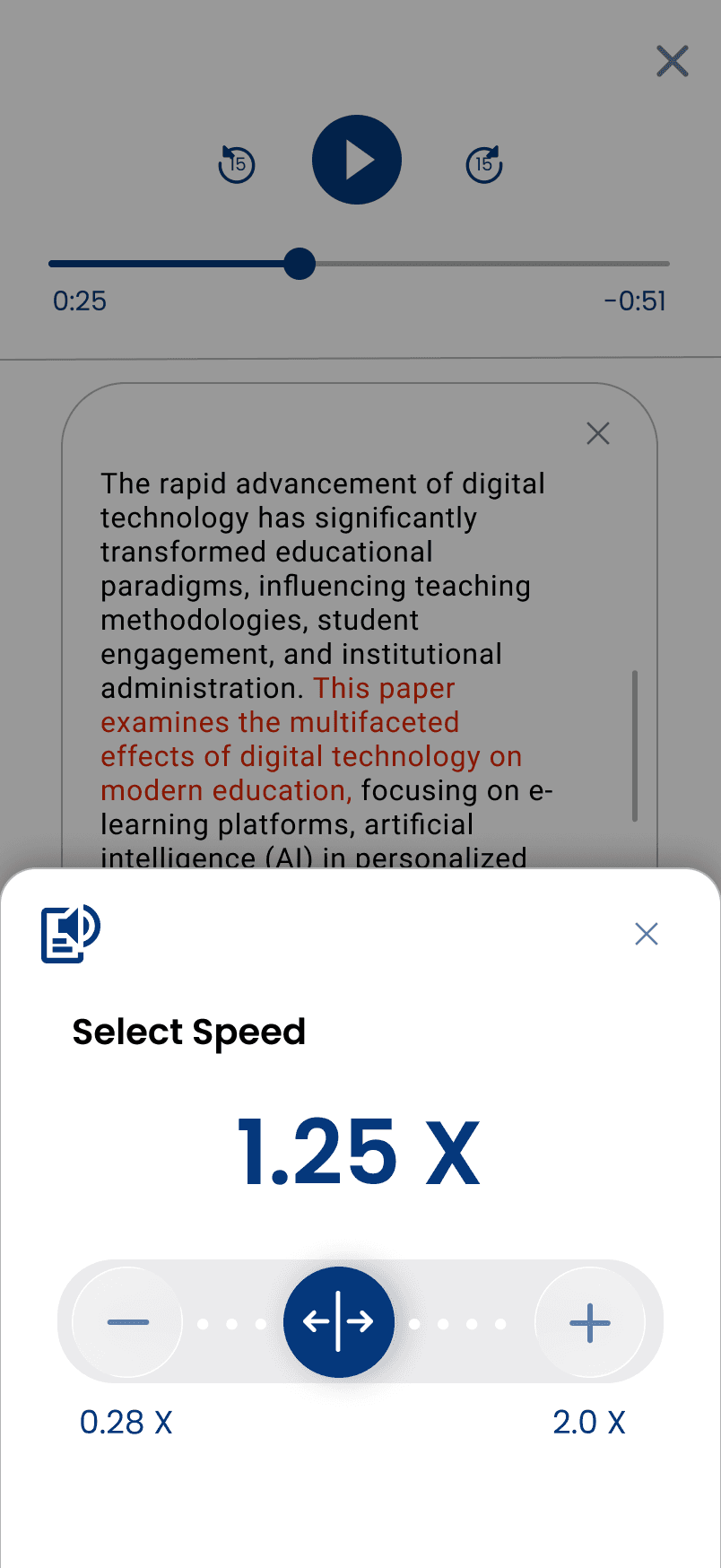
The interaction design was also refined in the speed control panel, creating a larger touch area for easier use on touch screens. Haptic feedback was added when adjusting the speed control, providing clearer physical confirmation during interaction.
Solution
Interactive Screen Reader
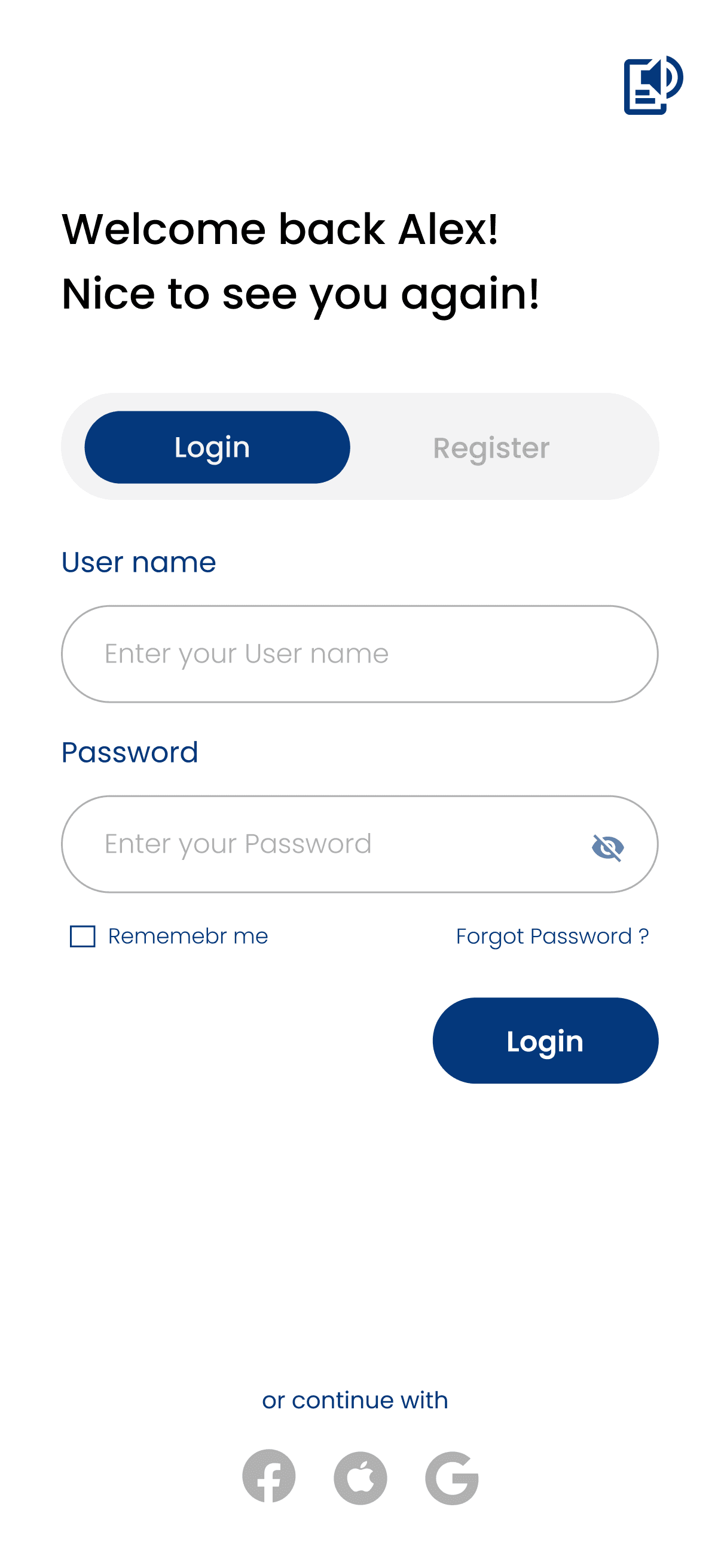
Tapping any text or widget reads it aloud; a double-tap confirms and activates the element.
Text to Speech & Sign Language Video
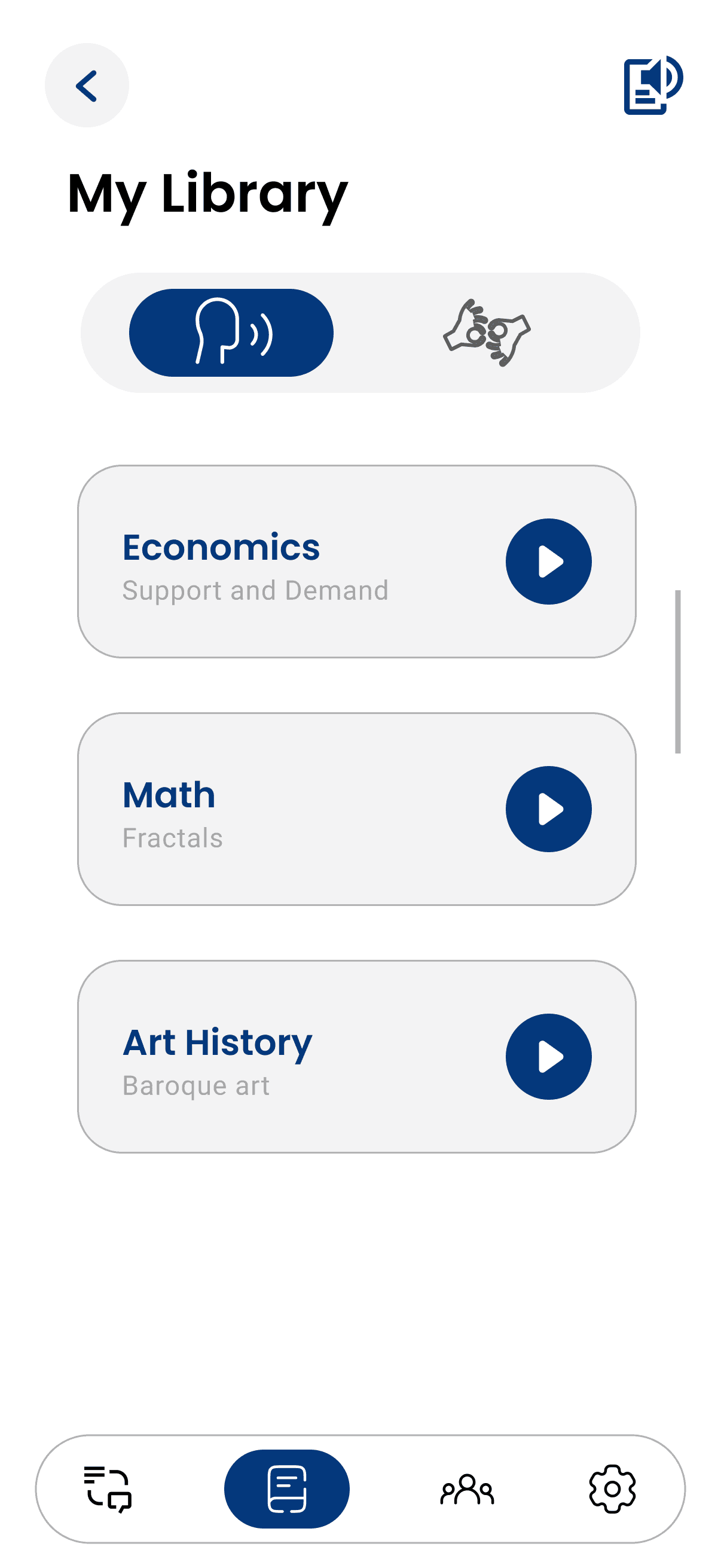
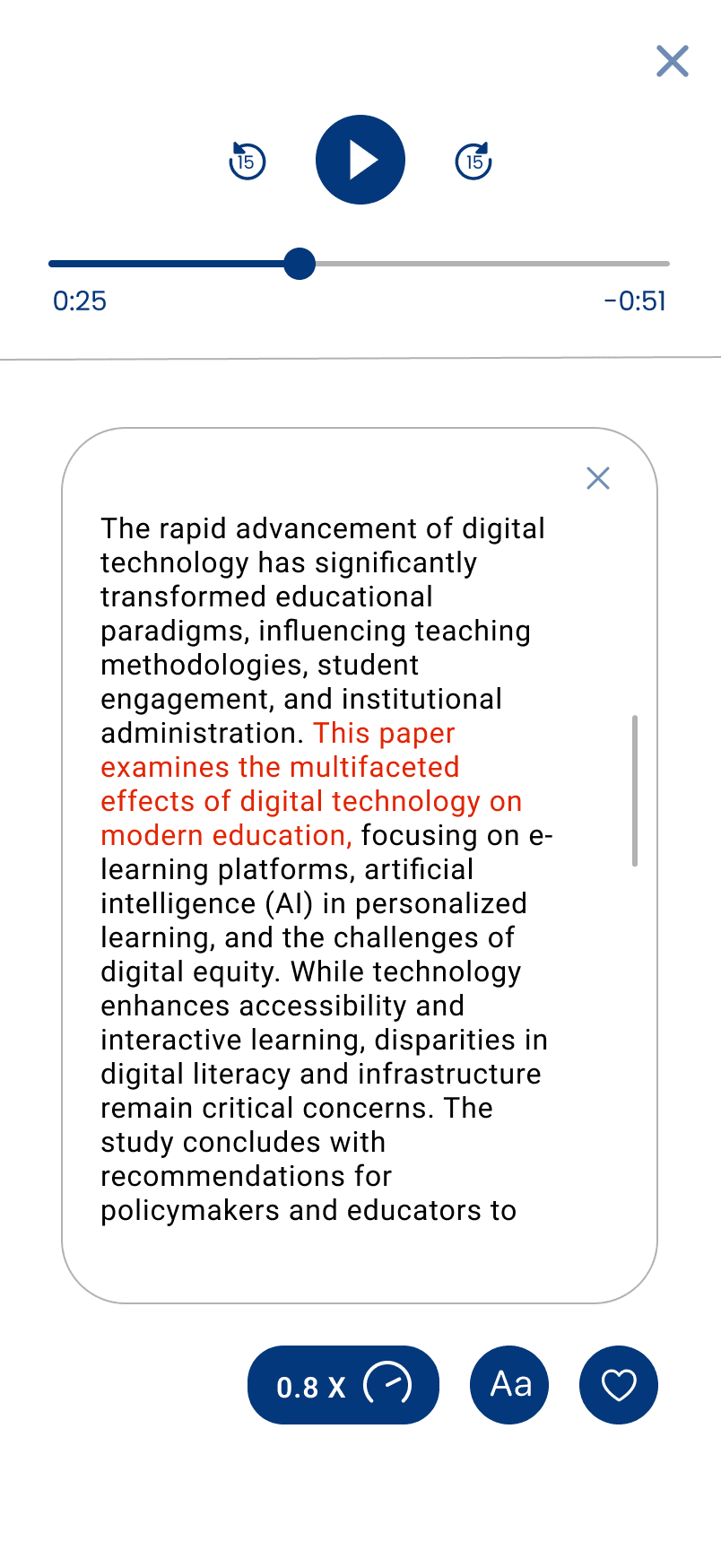
Users can instantly convert text into speech or sign language videos, allowing them to choose the learning format that best matches their needs. Adjustable playback speed and simplified layouts further improve readability and comprehension.
Community & Support
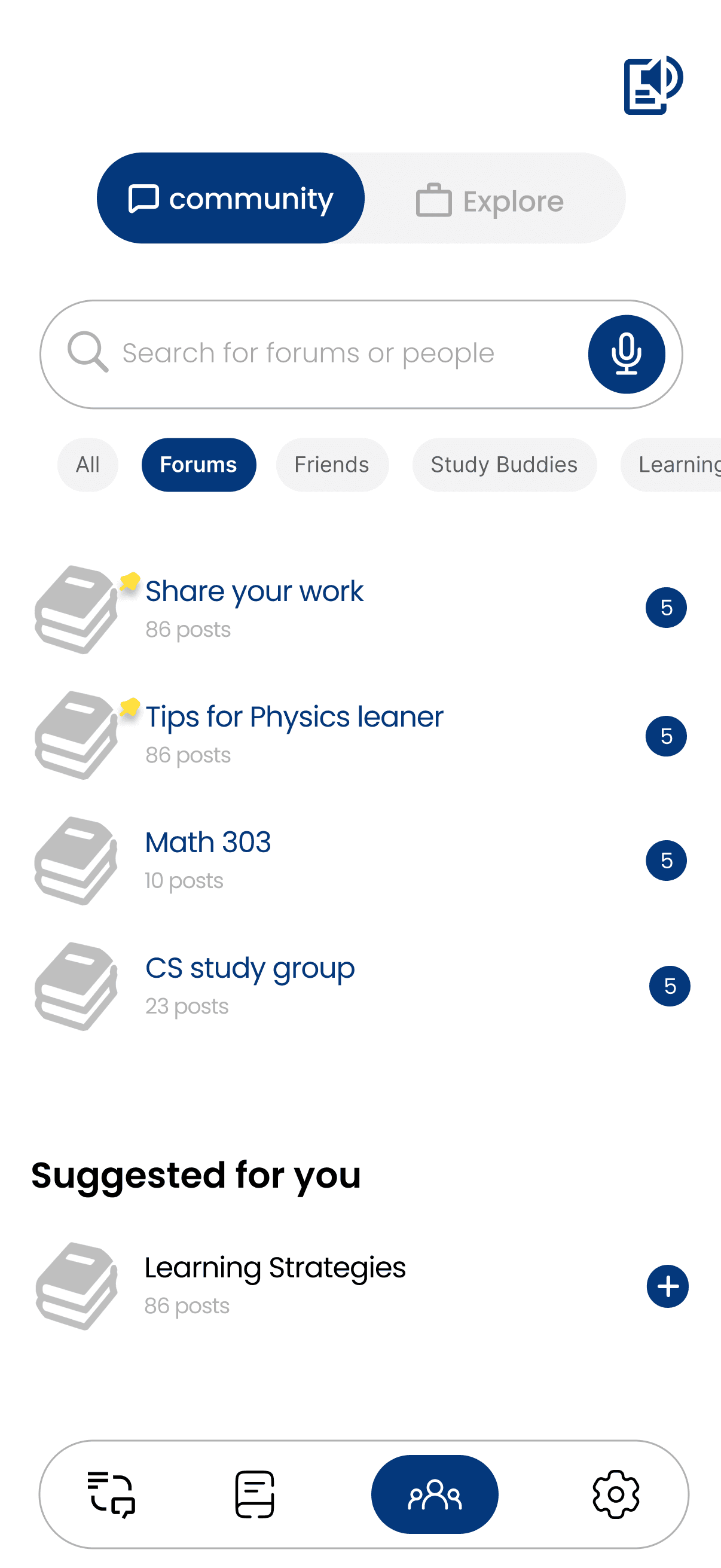
Built-in forums allow users to ask questions, share experiences, and support each other, helping users feel supported, connected, and included in the learning community.
Support Beyond Learning
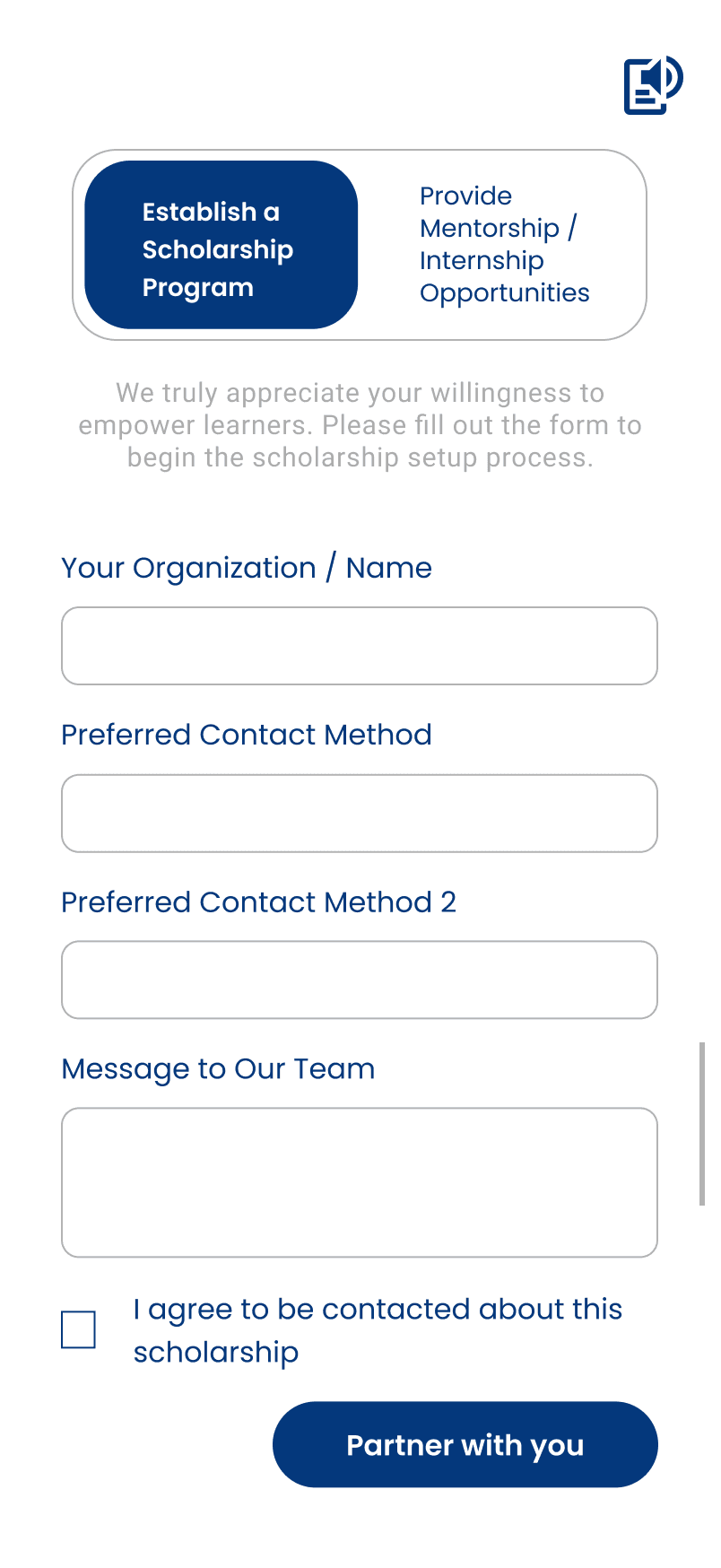
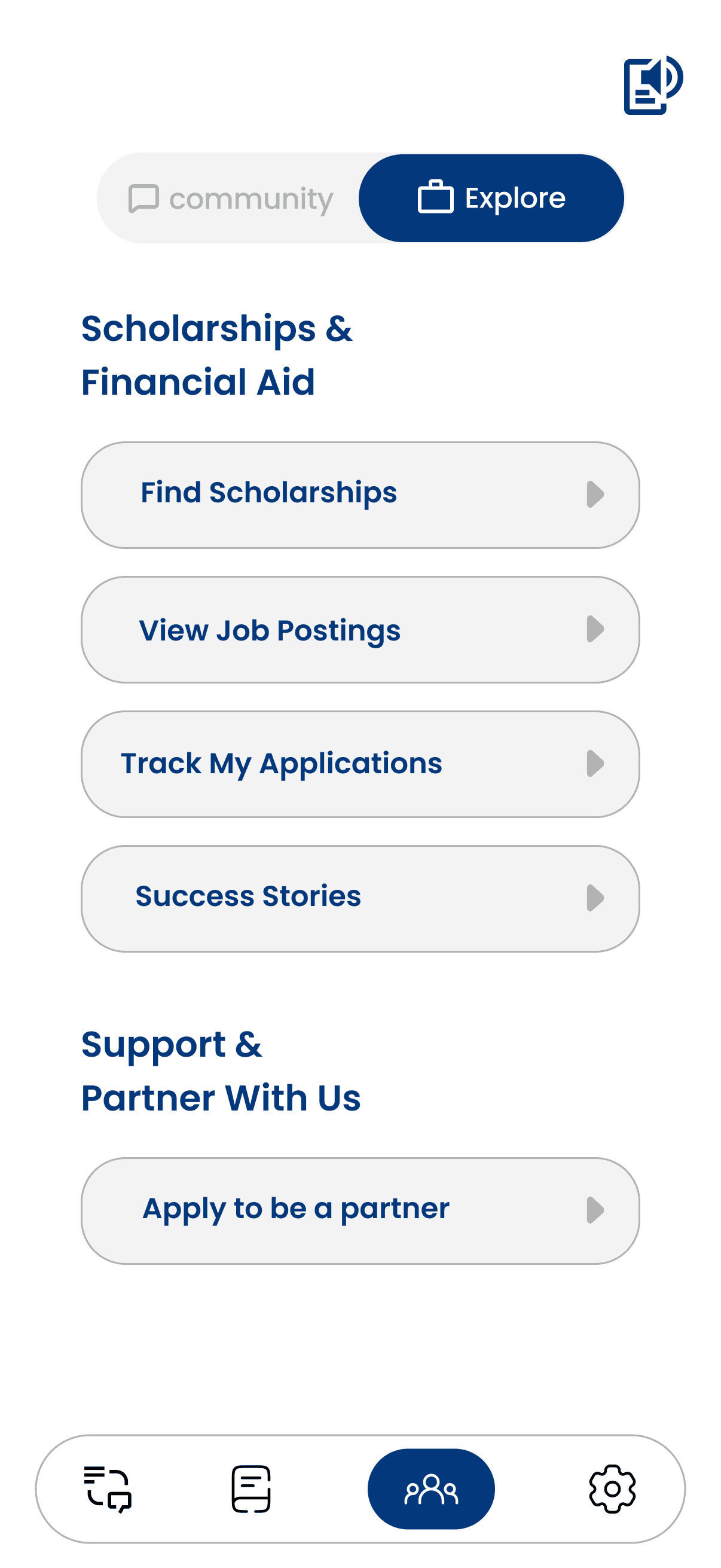
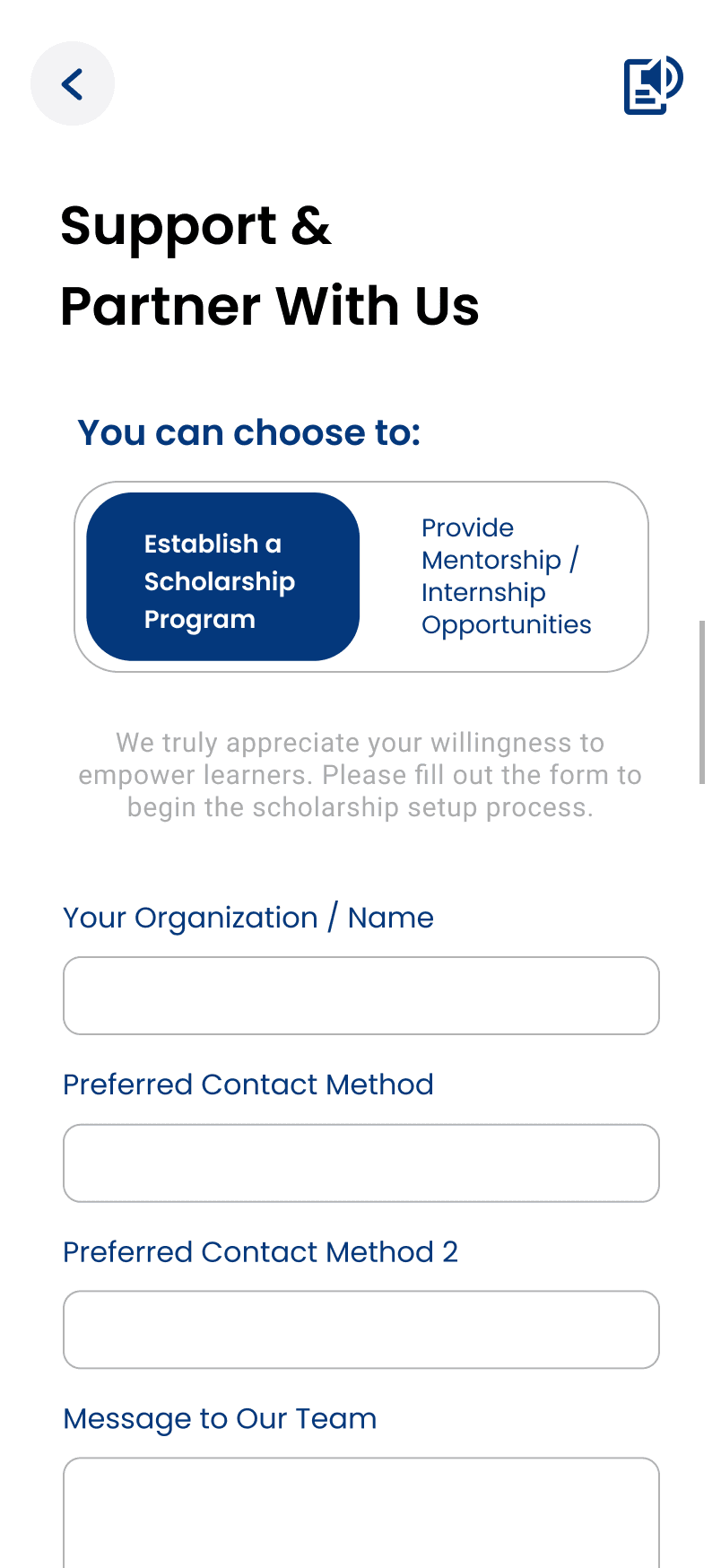
AccessEd connects users with scholarships, mentorships, and internship opportunities that support both academic and personal growth. Organizations can also create programs and offer support directly through the platform.
Reflection
Designing for accessibility pushed me to think beyond aesthetics and focus on how people with different needs interact with technology in real situations. Through each iteration, I paid closer attention to details like readability, touch targets, navigation flow, and feedback. These details taught me that design isn't just about creating interfaces, it's about creating value. The meaning of a design comes from how people experience and interact with it in hidden details.